Skip to content

POS

Your shop's register, on the tablet or computer you already have

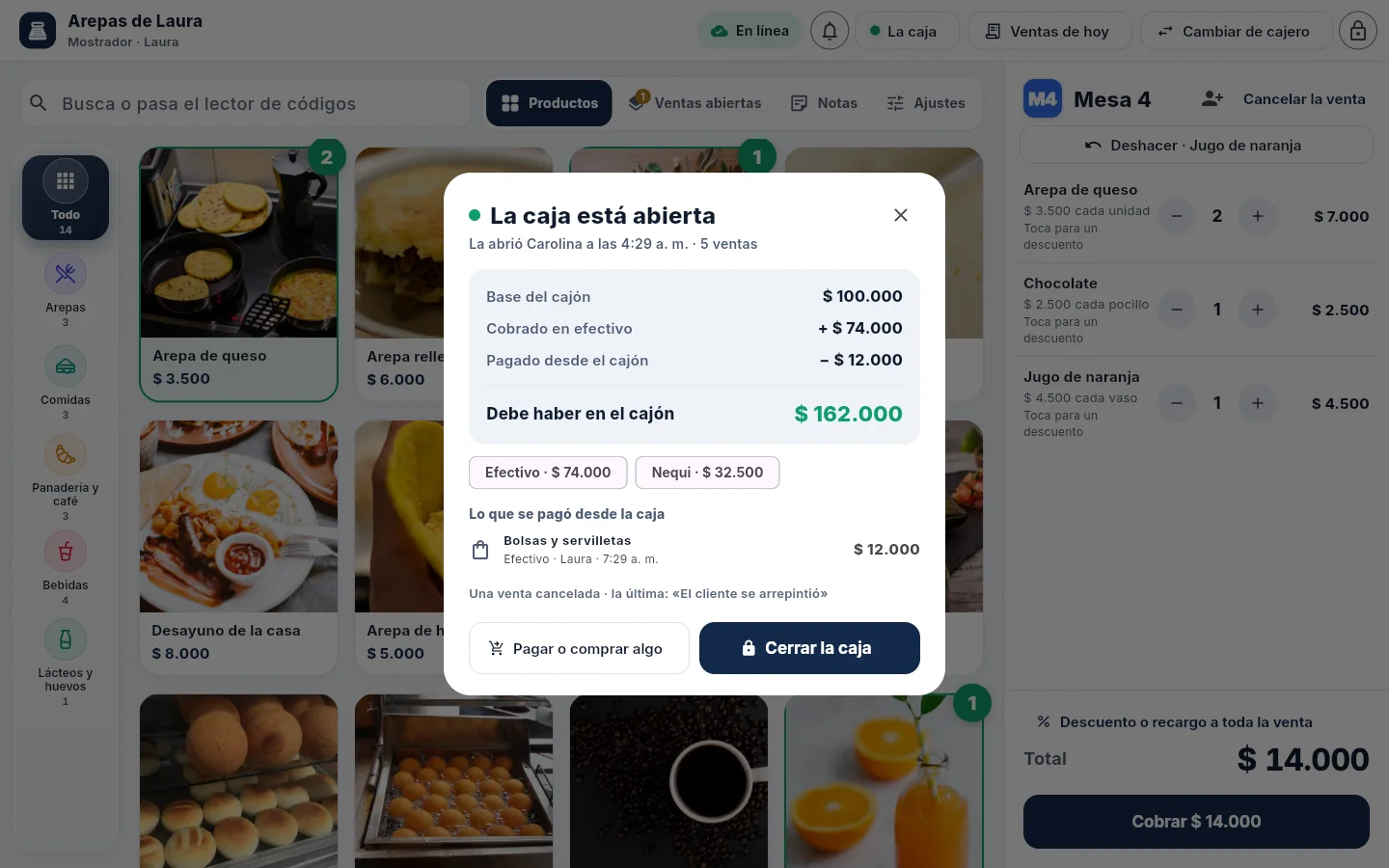
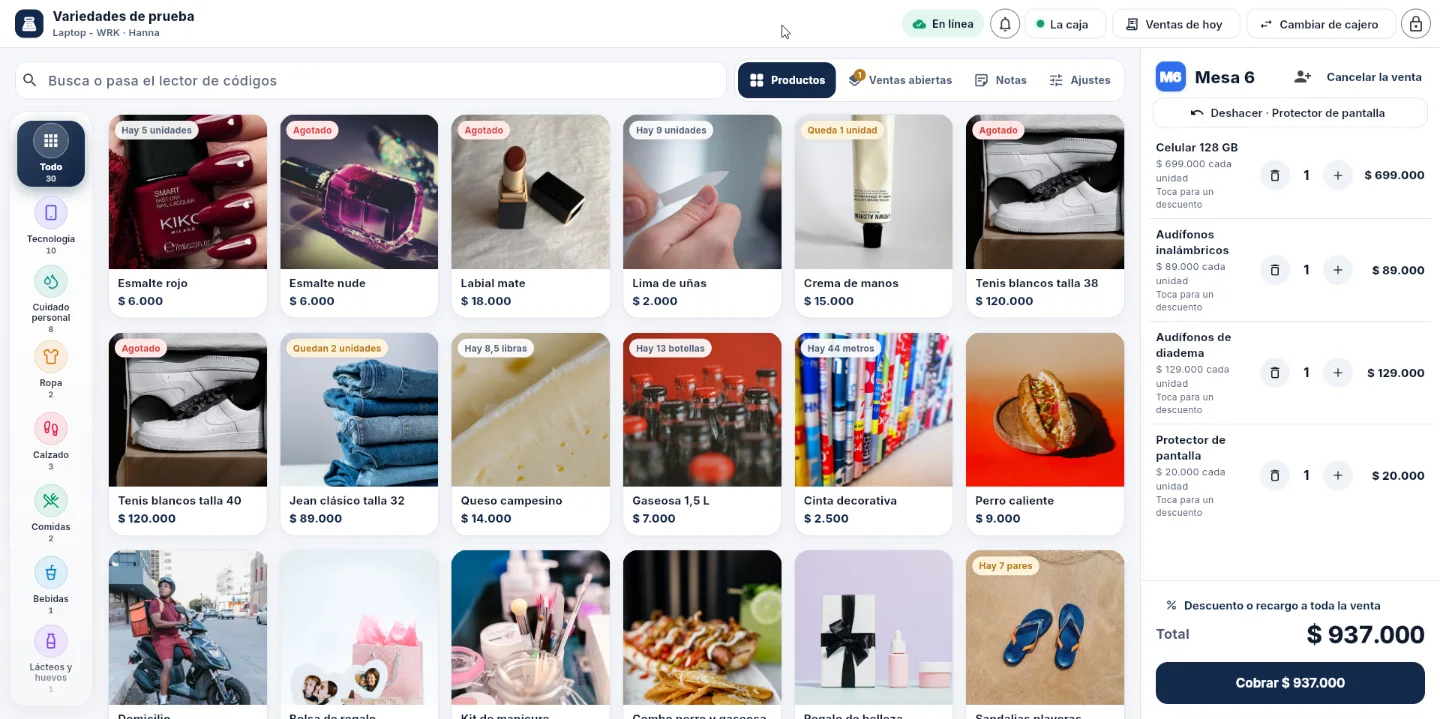
Every business has its registers, and your cashiers sign in with their name and PIN, without seeing your costs or your accounts. They sell by tapping products with photos and categories, take cash, Nequi, Daviplata, a card reader or two-part payments, serve tables if you run a café, and the register opens with its float and closes balanced. Everything lands in your Presupeso by itself.

Business plan

The «POS» screen in Presupeso

How it looks at your counter

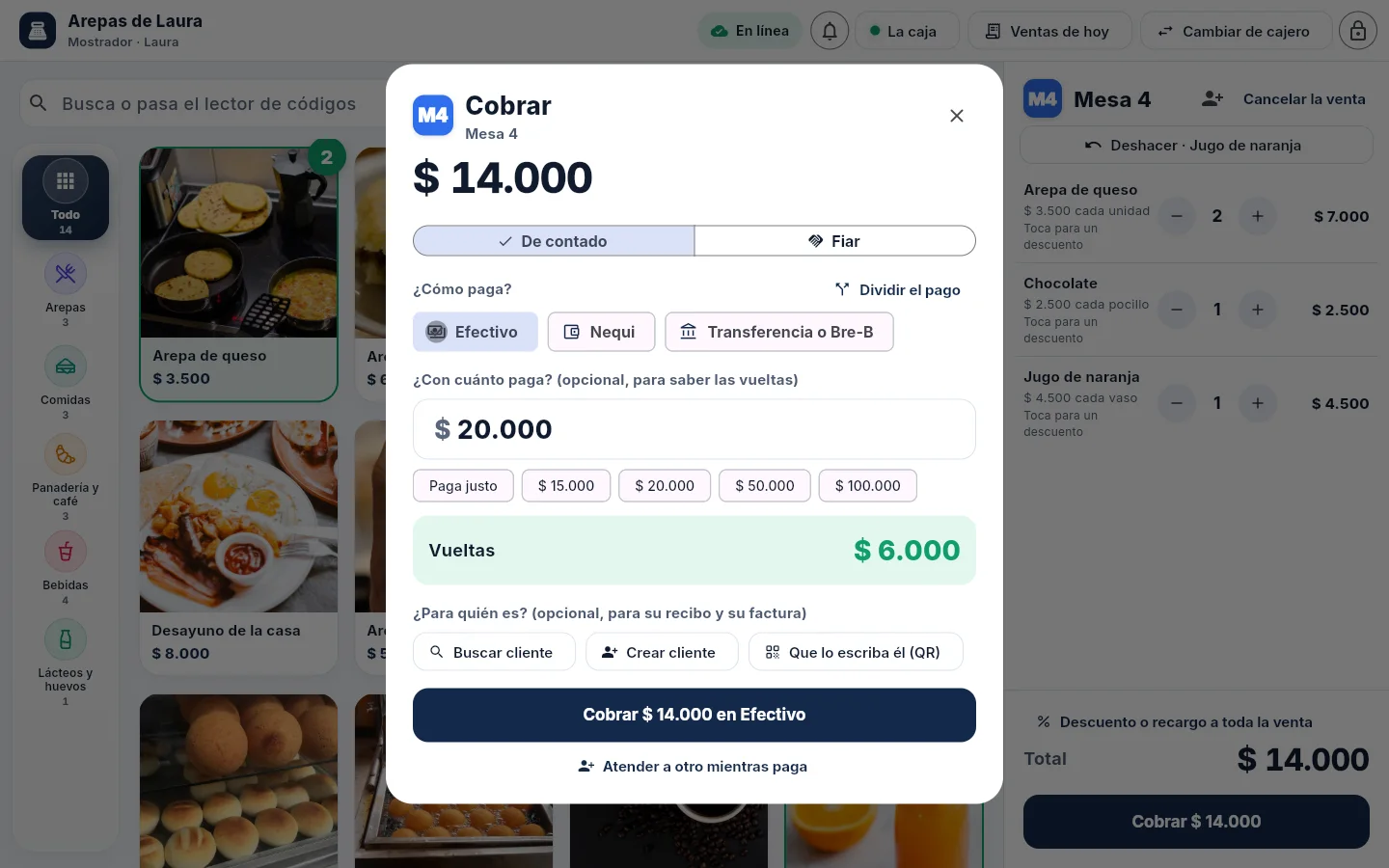
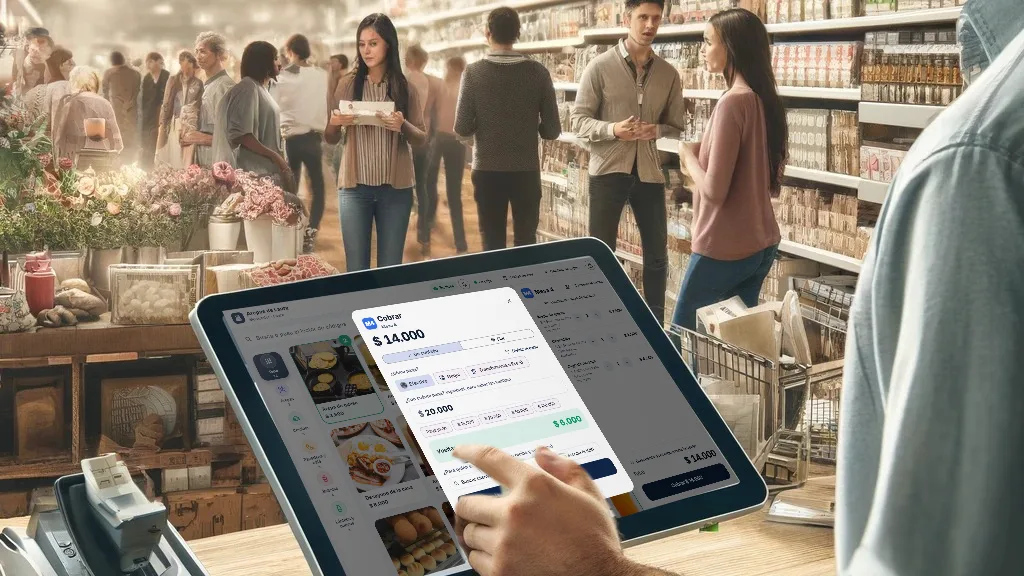
On a tablet: the cashier charges with a tap, and the register tells them the change.
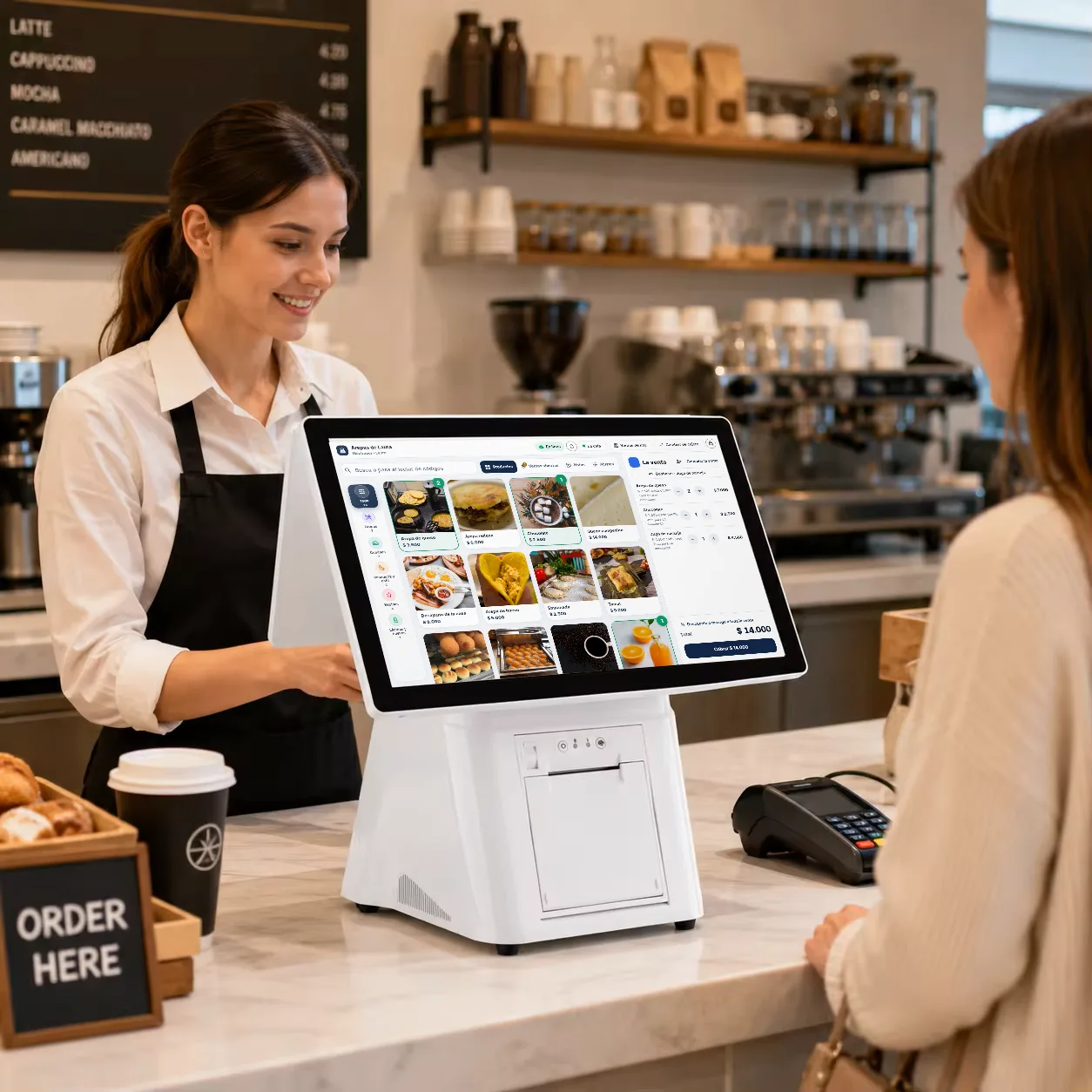
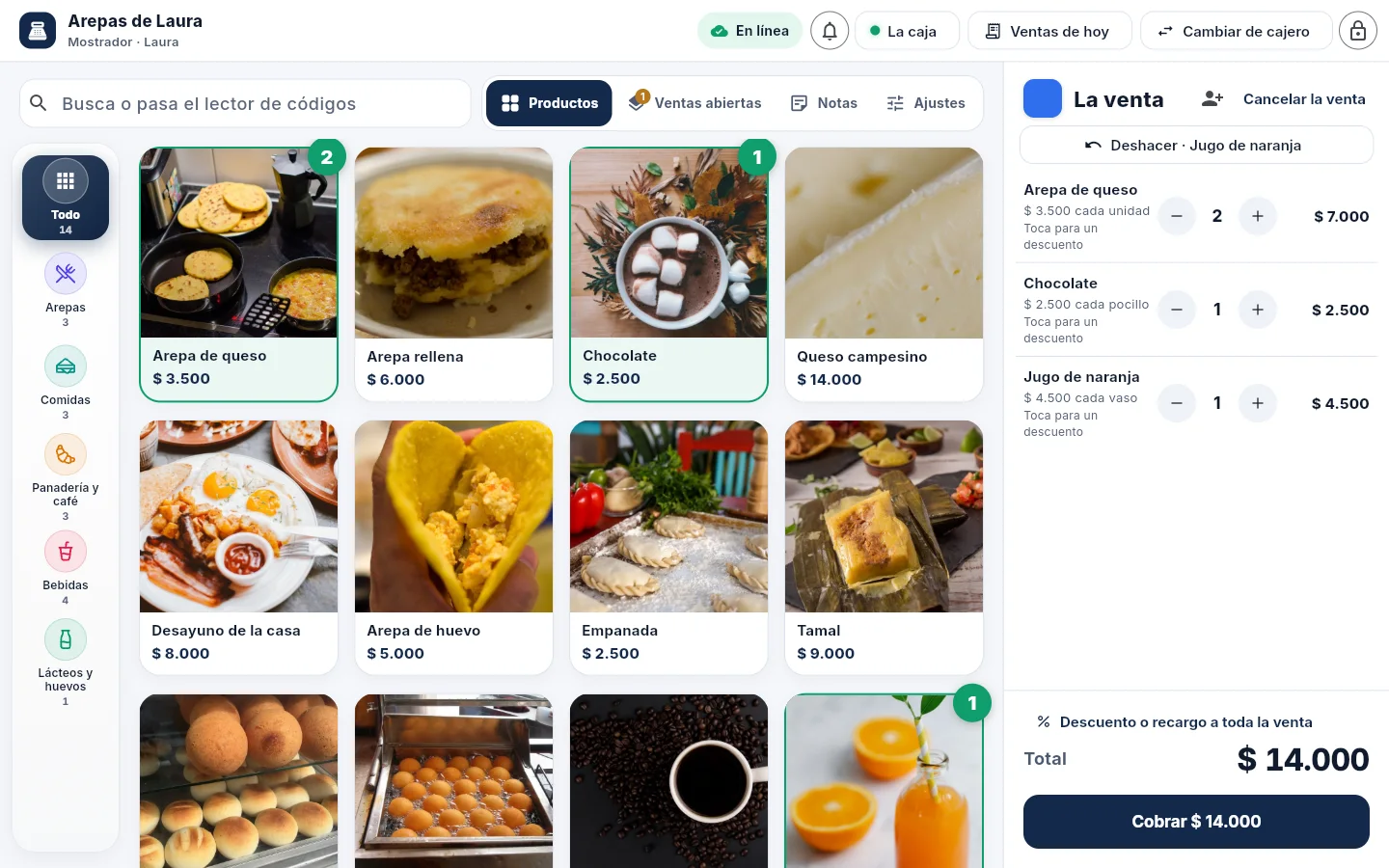
On the counter screen: products with their photo, by category, and the sale alongside.

Each business, with its registers and cashiers

In My business › Screens you add the counter register, tell it which account the cash goes to and pair it with a code, or with “Open the register here” if it's the same device. Each cashier signs in with their PIN and permissions: sell on credit, give discounts, pay from the register or authorize.

How it works
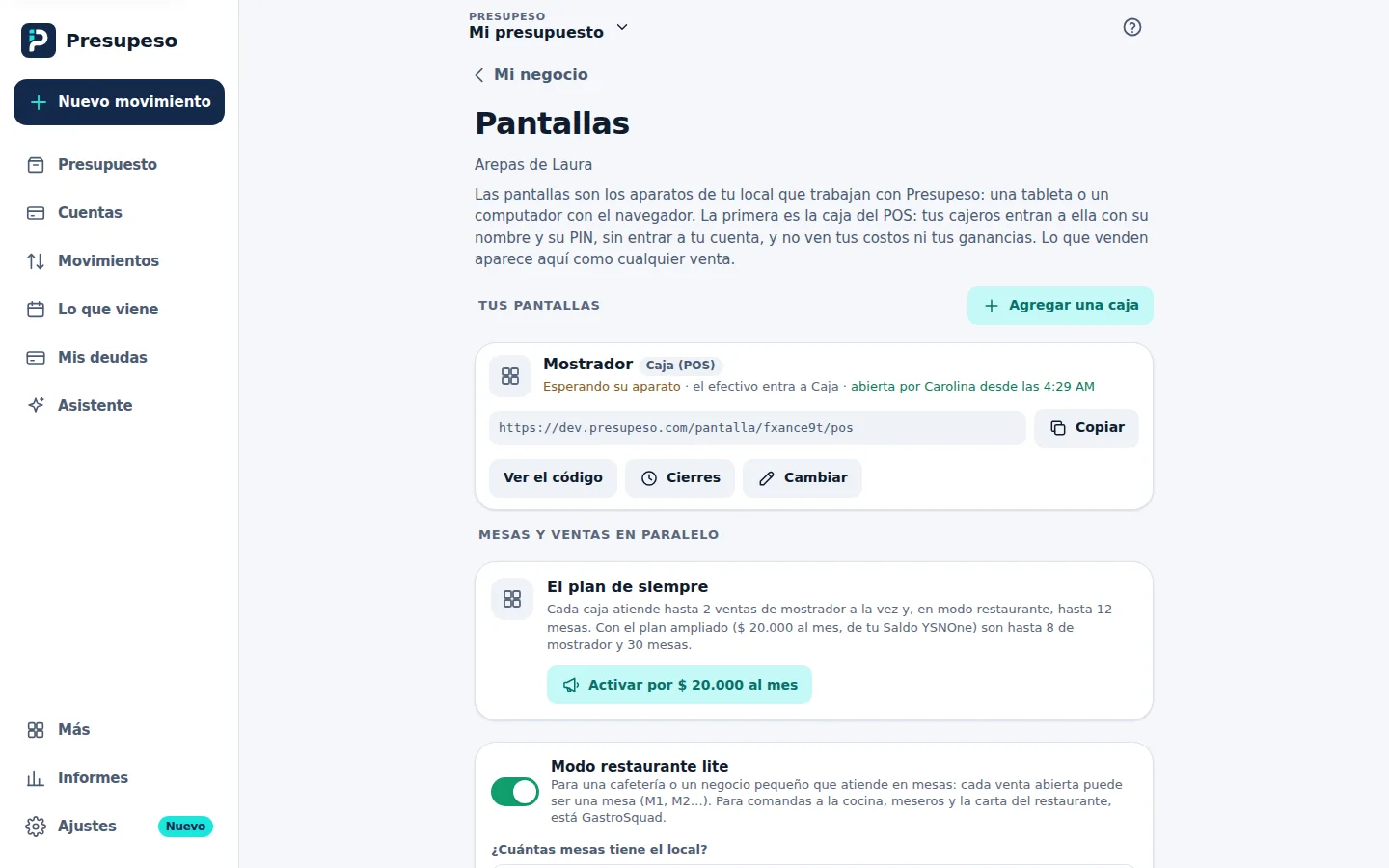
The «Each business, with its registers and cashiers» screen in Presupeso

Cash, mobile wallets, card reader or split

When charging you tap how they pay: in cash the register tells you the change; by Nequi, Daviplata or transfer, the photo of the receipt comes in through a QR; with the card reader, Bold or the one you use. If they pay part in cash and part by Nequi, you split the payment and each part lands in its account.

How it works
The «Cash, mobile wallets, card reader or split» screen in Presupeso

Several sales at once, and restaurant mode

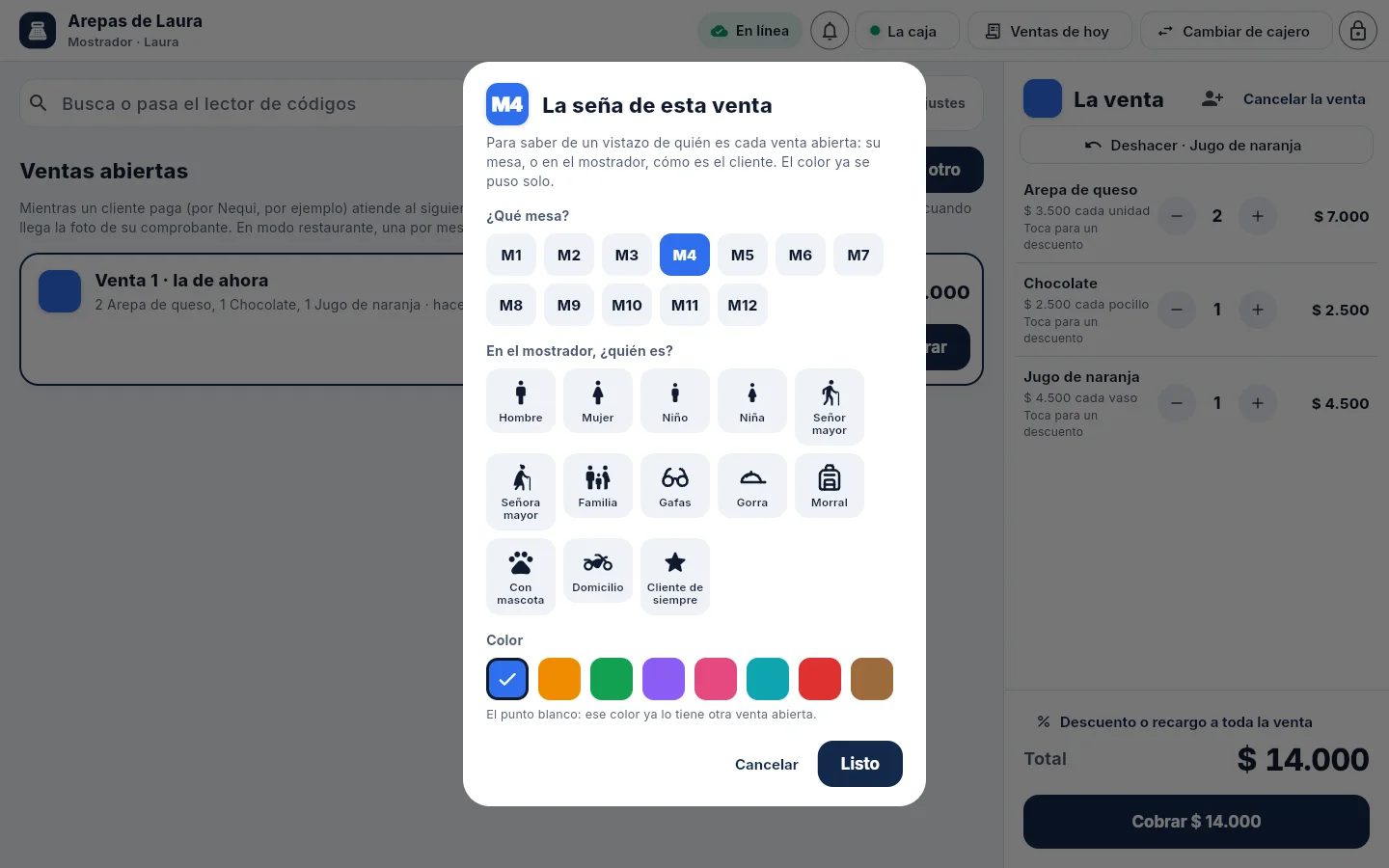
While one customer figures out how to pay, you serve the next: the sale stays open with a marker to recognize it, and every register in the business sees it. In a café, restaurant mode adds the tables (M1, M2…), each table keeps its own bill and your waiters serve it with the waiter's notepad. Up to 12 tables free, and more with the extended plan.

How it works
The «Several sales at once, and restaurant mode» screen in Presupeso

The waiter's notepad, on their phone

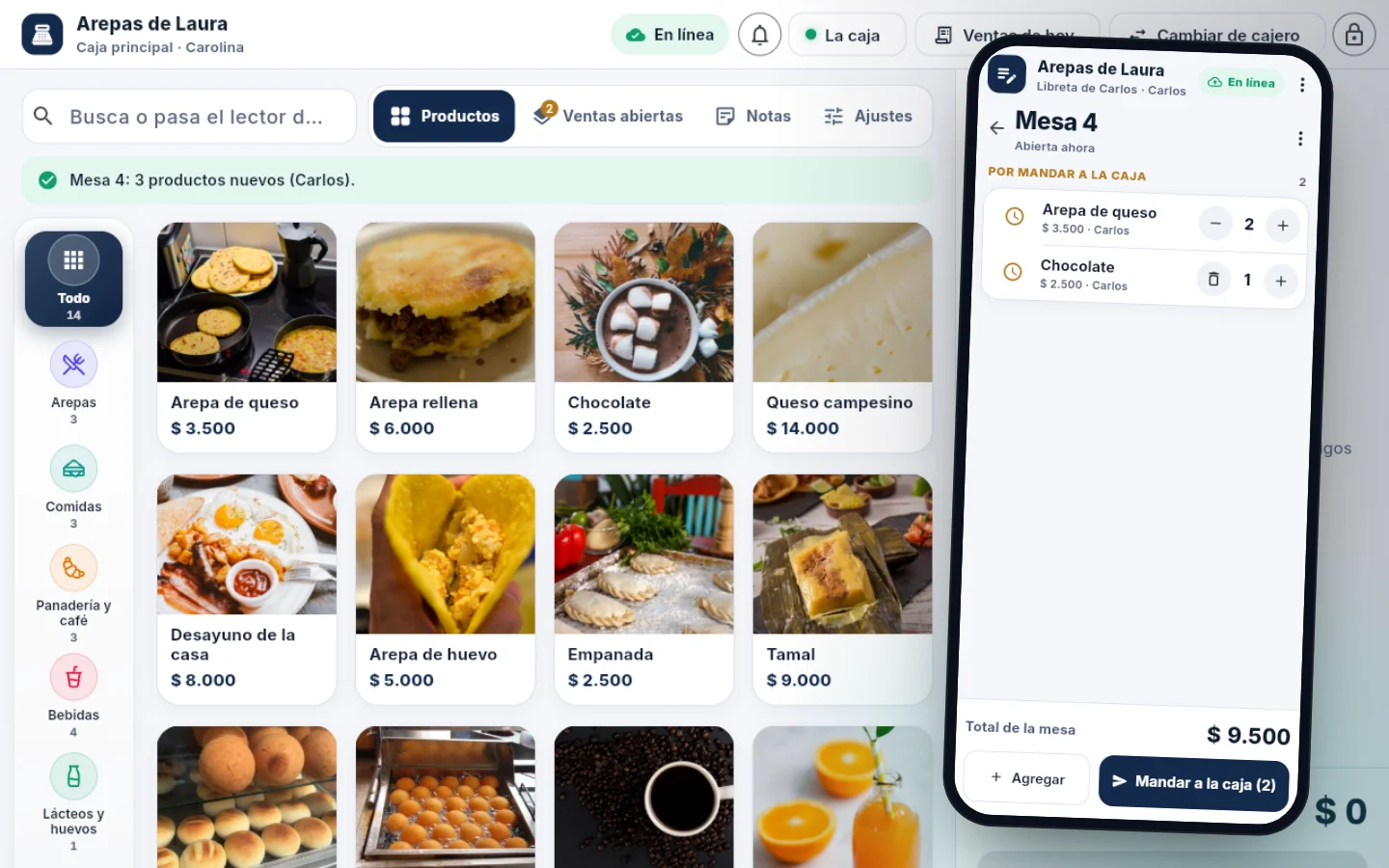
When you turn on restaurant mode, your waiters take the tables' orders on their phone, with their notes (“no onions”), and send them to the register, which chimes and sees them right away. They check off what is already on the table, ask for the bill, and the register charges. Your business includes one notepad; with the extended plan, three, and each extra one costs $ 6,000 a month.

How it works
The «The waiter's notepad, on their phone» screen in Presupeso

POS

Questions about this

Do I need to buy special hardware?

No. The register runs in the browser of a tablet or computer you already have, full screen. Without internet it keeps selling for cash and sends the sales when the connection is back.

Do my cashiers see what I earn?

No. They sign in to the register with their name and PIN, not to your account: they see the products with their price, but not your costs, your profits or your accounts.

How much does it cost?

The POS is part of the Business plan. Each business handles up to 2 counter sales at once and 12 tables, with one waiter's notepad included; with the extended plan, for $ 20,000 a month per business, it's up to 8 counter sales, 30 tables and 3 notepads. Each extra notepad costs $ 6,000 a month.

See it from the inside before you decide

In the demo you sign in with your account and we set up your own copy with sample data: a family budget with three months of transactions and a business. Try everything; nobody else sees it.